The free coding agent.
Build products. Automate workflows.
Free with daily usage limits.
 Lemon Code
Preview
Lemon Code
Preview
What do you want to build?
Describe a task…Recent tasks
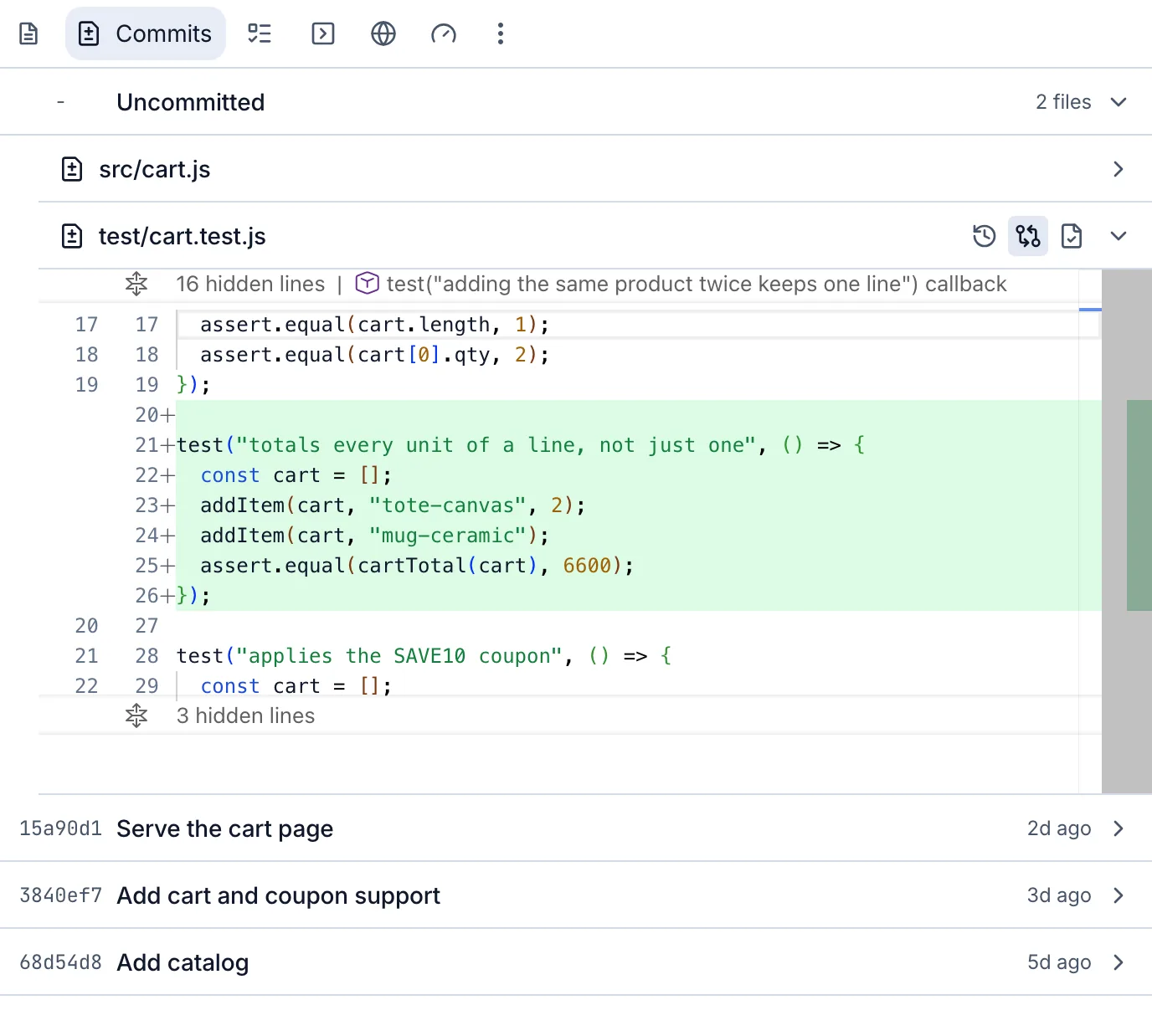
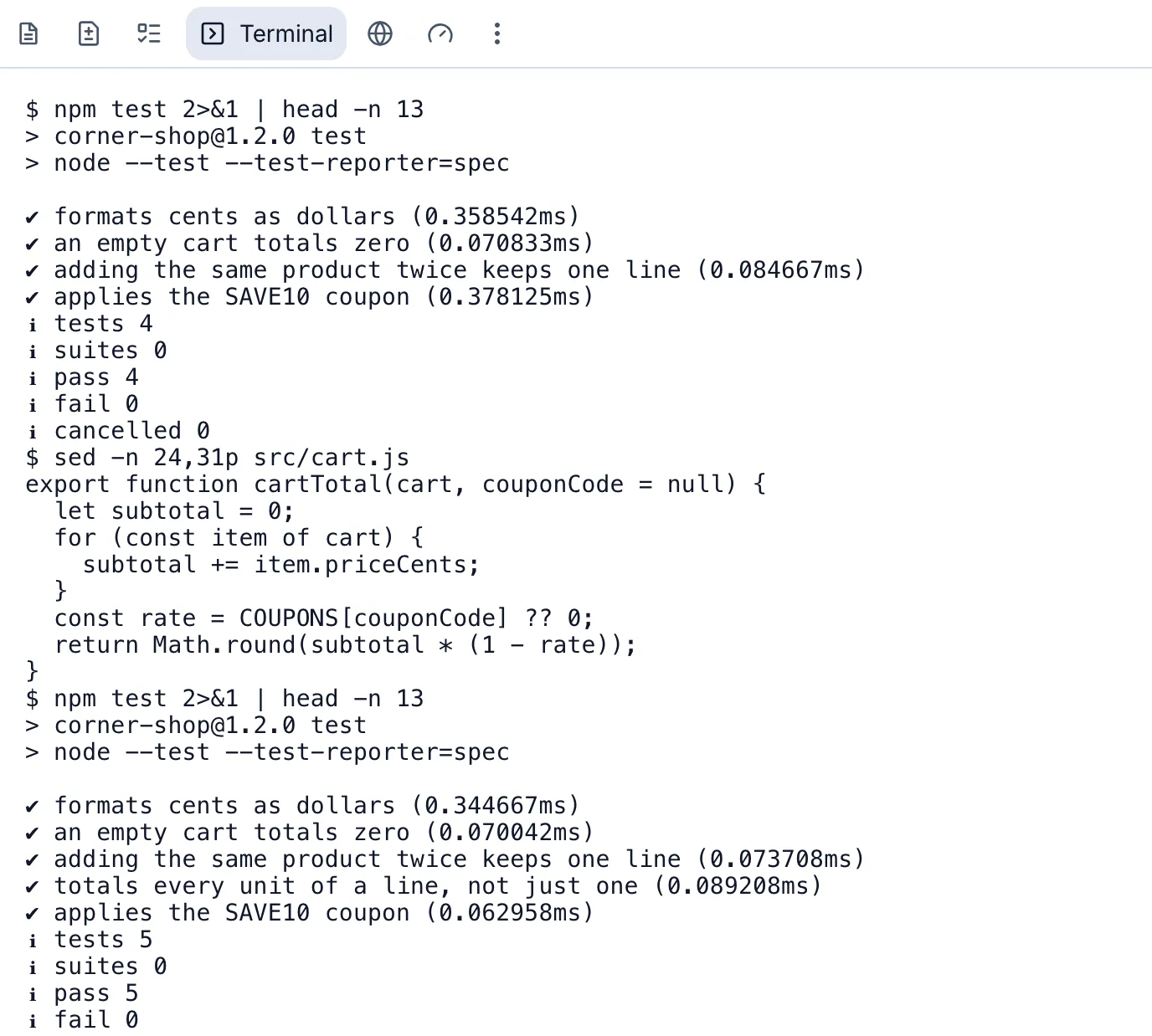
Fix the cart total
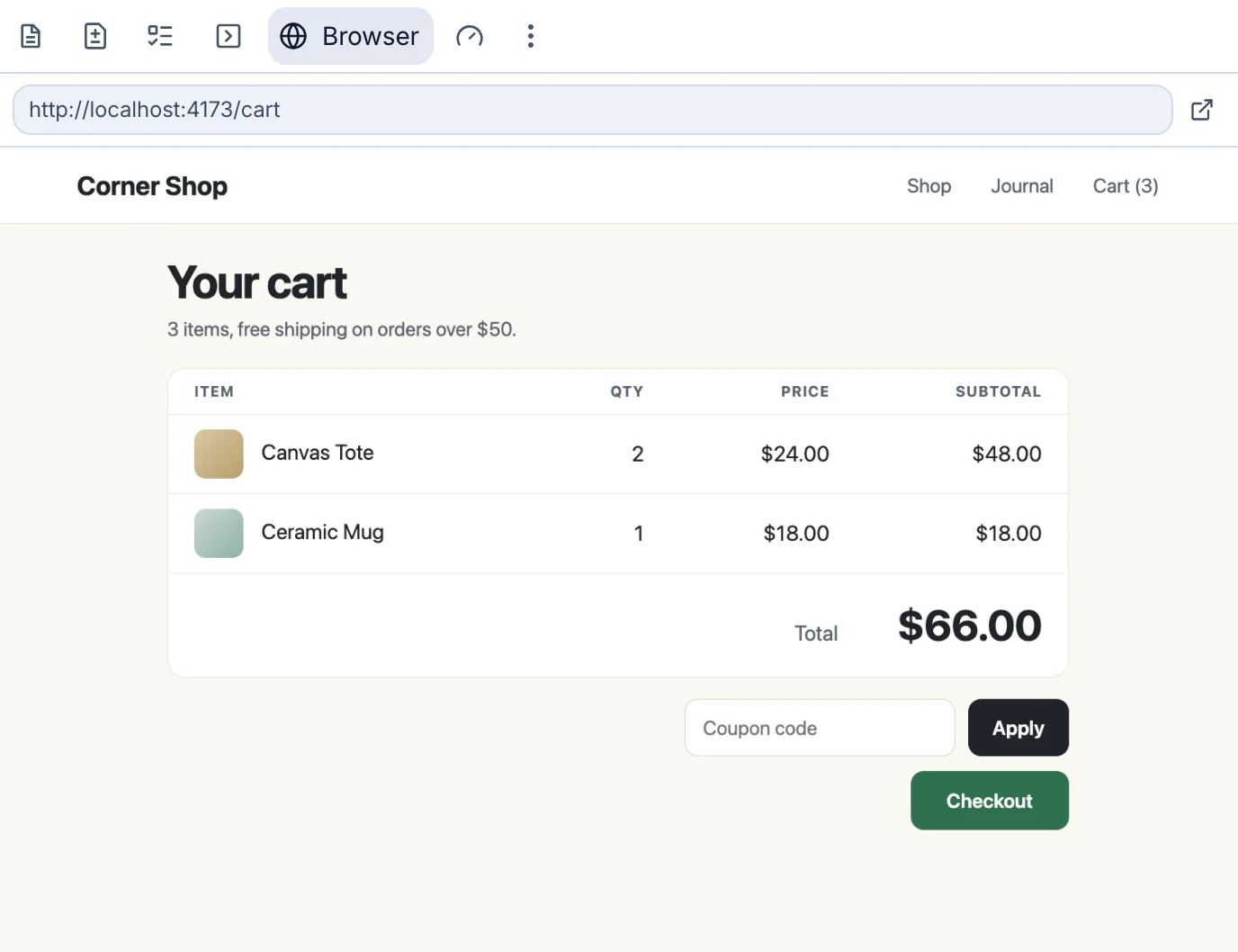
DoneFix the cart total and add a test.
- Read cart.js
- Updated the cart total
- Ran 4 tests
Apps
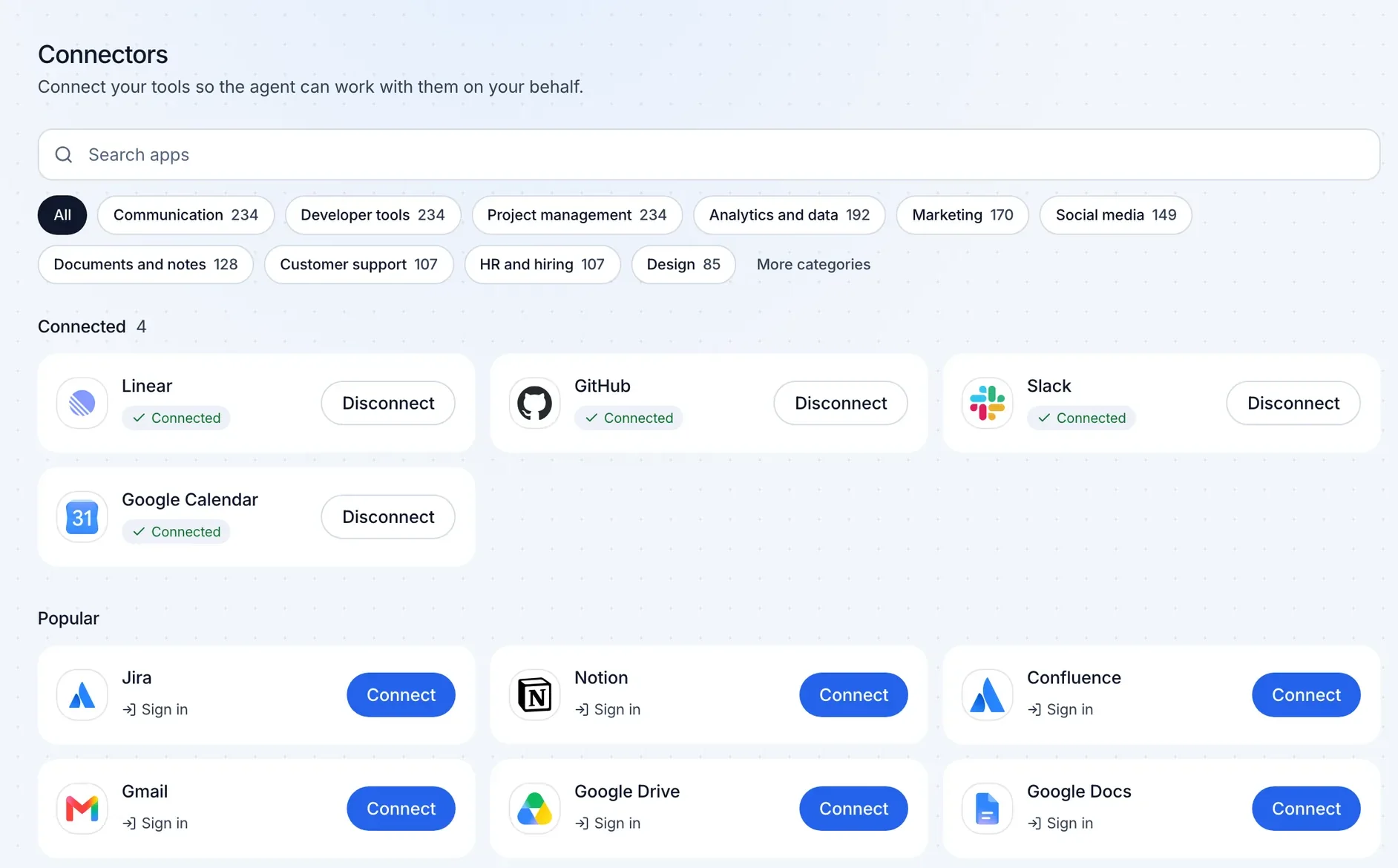
Connect apps-
 GitHubReviews pull requestsConnected
-
 SlackPosts the daily standupConnected
-
 LinearTurns issues into fixesConnected
-
 NotionWrites up incidentsConnect
-
 GmailPreps for meetingsConnect
-
 JiraTriages new issuesConnect
And more than 1,500 other apps.
Build products.
Describe what you want. Lemon Code writes the code, runs it, and shows you the result.
Automate workflows.
Connect the apps you already use. Lemon Code reads from them, takes the steps, and reports back, once or on a schedule.





















GitHub, Slack, Notion, Gmail, Jira, Linear and more than 1,500 other apps, plus your own MCP servers.
-
Review every pull request
Reads the diff, runs the checks, and leaves comments on what to fix.
Code review -
Turn issues into pull requests
Picks up issues marked ready, makes the change, tests it, and opens a pull request.
Engineering -
Post the daily standup
Sums up yesterday in Slack: what shipped, what is blocked, and who owns it.
Team updates -
Triage new issues
Labels new issues, flags duplicates, and asks the reporter for what is missing.
Planning -

Prep for every meeting
Reads today's calendar and the related email threads, then sends you a short brief.
Meetings -
Draft incident write-ups
Collects the Slack thread and issue updates, then drafts a timeline and follow-ups in Notion.
Incidents
Connect in a few clicks.
Find an app on the Connectors screen and sign in, or add your key. Lemon Code can then use it in any chat or automation. Disconnect at any time.
Questions?
Is it free?
Yes. Free in your browser, with daily usage limits. No API key needed.
Where does it run?
Lemon Code runs in your browser and uses a cloud workspace. No installation is required.