 Lemon Code
Your first bug fix
Take a small bug from reproduction to a reviewed diff. Start with a sandbox, approve the plan, then inspect the regression test and its output.
A minimal code change, a test that catches the original bug, and the commands needed to verify the fix.
1Open a workspace
Use Lemon Code in your browser with a cloud workspace, or download the desktop app to work on your computer. Sign in and complete the setup prompts, then start a new task.
For this first exercise, use a new, empty workspace. You don’t need to connect GitHub or provide client code.
2Choose a small, reproducible bug
Already have a public or sandbox repository? Supply its URL, the reproduction steps, expected behavior, and test command. Otherwise, paste this prompt to create a disposable JavaScript exercise.
Create a new folder named lemon-first-fix in the current workspace. If it already exists, stop and ask me for another name. Work only in that folder. Do not modify another repository.

Create package.json with type "module" and the test script "node --test". Use Node.js built-ins only; no dependencies.

Create cart.js with this exact implementation:
export function cartTotal(items) {
  return items.reduce((total, item) => total + item.price, 0);
}

Create cart.test.js using node:test and node:assert/strict. Add one passing test: an empty cart totals 0.

Run npm test and report the Node version and output. Do not fix the function yet. Do not push or deploy anything.
The bug: the cart ignores quantity. An item priced at 12 with quantity 3 should total 36; the current implementation returns 12.
This is a deliberately small exercise for evaluating the workflow. You can use a real issue afterward.
3Review the plan first
Ask the agent to explain its proposed change before editing. If your repository uses ADRs, point it to the relevant approved decisions.
Inspect cart.js and the existing test. The cart total ignores item.quantity. For this exercise, price is numeric and quantity is a positive integer.

Before editing, propose a short plan: reproduction, intended behavior, files to change, regression test, and verification command. Keep the scope to this bug. Wait for my approval before implementation.
This instruction asks the agent to wait. Review its response and activity before approving; it is not a technical access restriction.
4Add the test, then fix the bug
Once the plan matches your expectations, approve it with a clear verification requirement.
Approved. First add a regression test for [{ price: 12, quantity: 3 }] expecting 36. Run it against the original implementation and show the failure.

Then make the smallest fix and rerun the complete test suite. Show the diff, exact commands, and output before and after the fix. Do not push or deploy anything.
The new test should fail with an actual value of 12 and an expected value of 36 before the fix. Afterward, both the empty-cart test and the quantity test should pass.
5Inspect the result
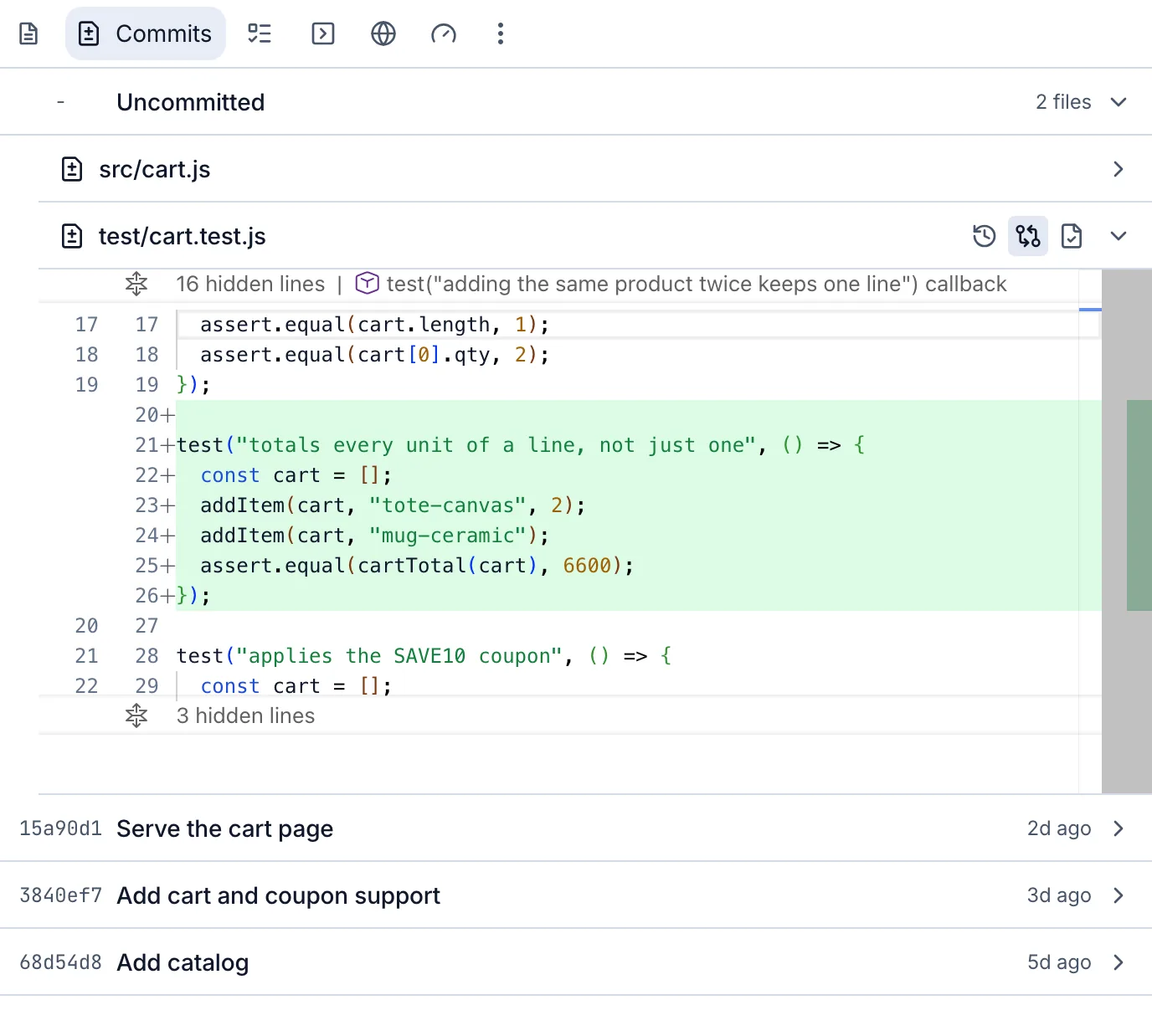
Use the workspace’s Changes and Terminal views to inspect the edited files and command output. Review the evidence even when the agent reports success.
| Check | What to look for |
|---|---|
| Diff | The total multiplies each item’s price by its quantity. Changes stay within the exercise. |
| Test | The quantity test failed before the implementation changed and passed afterward. |
| Output | The actual test command ran successfully. Read failures, skipped tests, and exit status. |
| Scope | No unrelated changes, dependencies, pushes, or deployments. |
If something gets stuck
- Node is unavailable: ask the agent to report the missing runtime and stop. Use a workspace with Node installed before continuing.
- The regression test passes before the fix: check that it imports the original function and asserts the quantity behavior.
- The agent edits too much: ask it to explain every changed file and propose a smaller patch before further edits.
- A command fails: share the command and non-sensitive error text with the team.
Tell us how it went
We’d like to understand whether the workspace made the task easier to finish and review.
- Where did you get stuck or need more explanation?
- Could you follow the plan, diff, and test output?
- What would you need before trying this on a real repository?
Reply to the email that brought you here, or contact hello@lemoncode.ai. Include a redacted screenshot or error message if useful.