


Understand, then build
Trace a feature across modules. Find the conventions and constraints. Plan the next change before editing.
For teams with established codebases
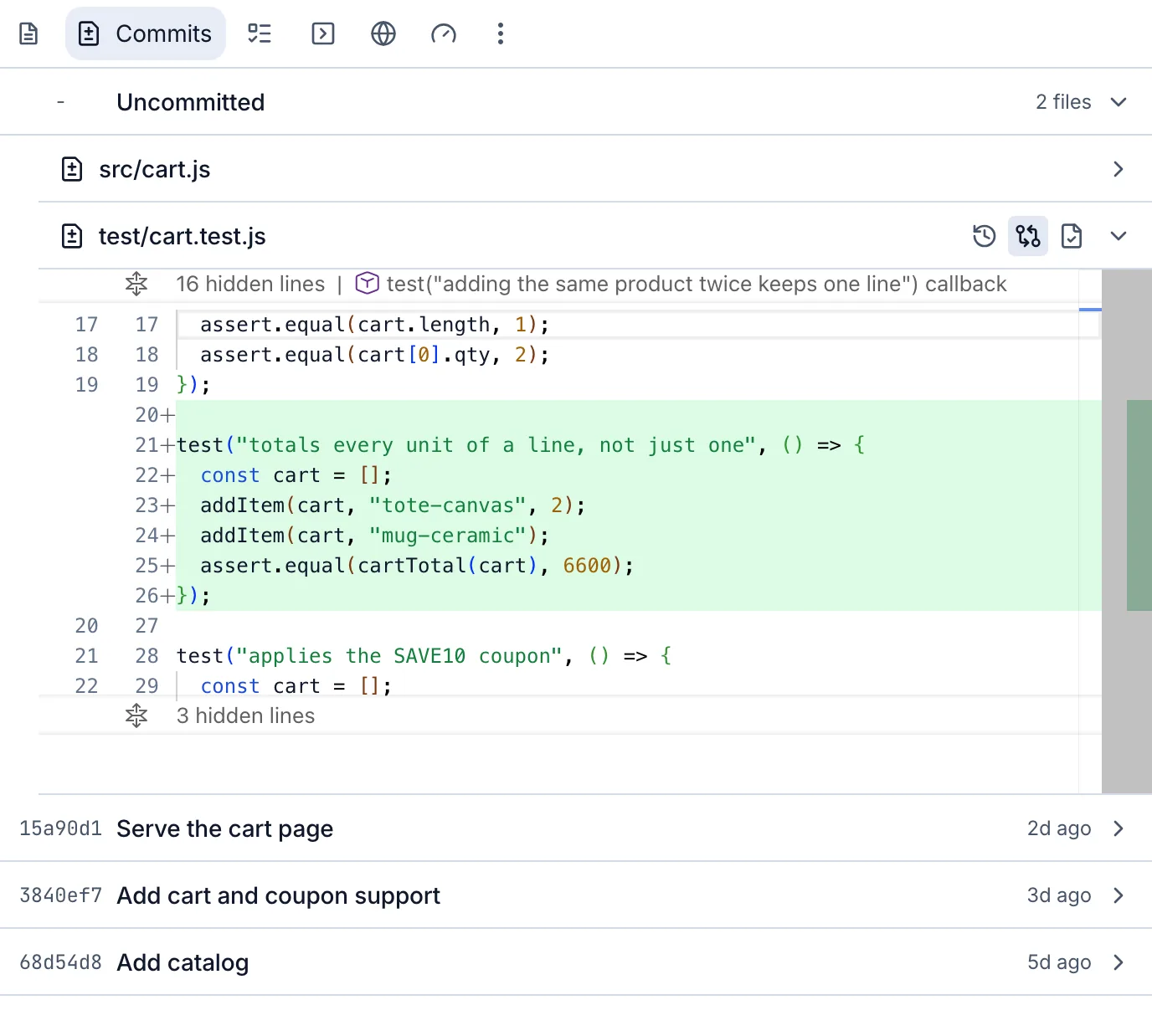
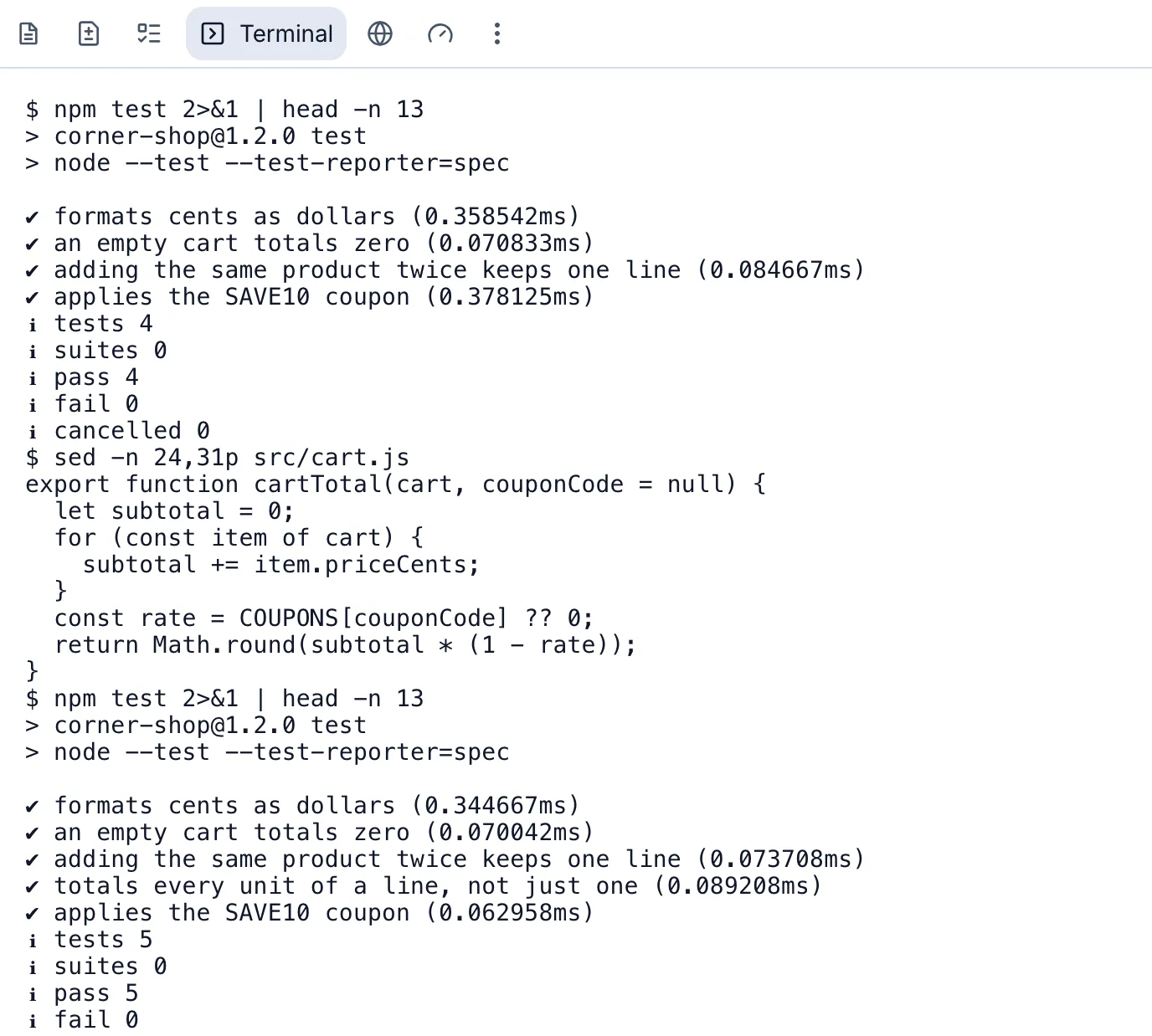
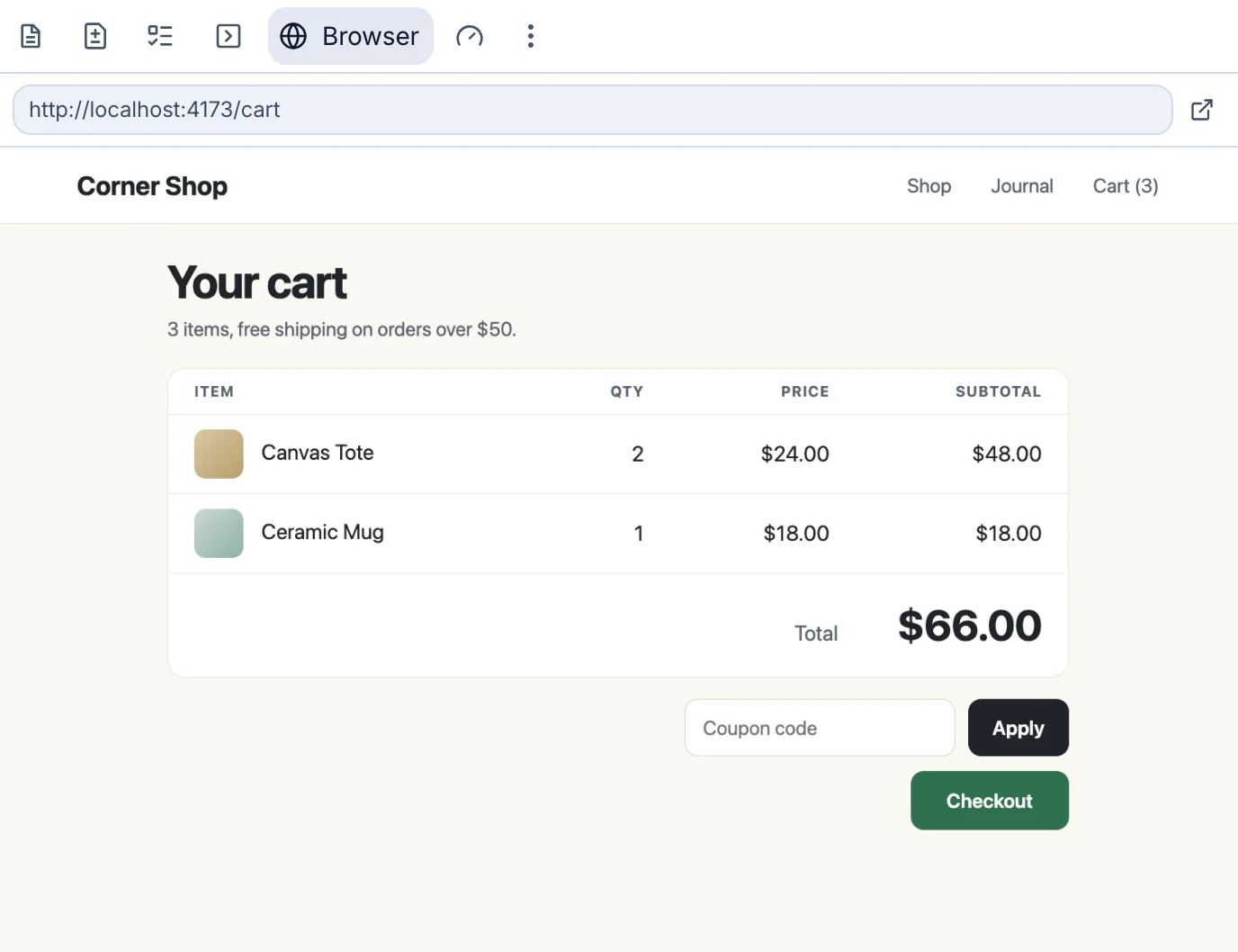
Bring the repository your team ships. Explore the architecture, build a feature, or work through a refactor or migration. Inspect the code changes and terminal output as you go.
 Lemon Code
Example workflow
Lemon Code
Example workflow
Example requests
Map dependencies and propose a first change that preserves existing behavior.
 GitHubReviews pull requestsConnected
 SlackPosts the daily standupConnected
 LinearTurns issues into fixesConnected
 NotionWrites up incidentsConnect
 GmailPreps for meetingsConnect
 JiraTriages new issuesConnect
And more than 1,500 other apps.
Existing systems. Substantial work.
For maintainers of established private repositories: company products, internal systems and client applications with years of development behind them.
Trace a feature across modules. Find the conventions and constraints. Plan the next change before editing.
Untangle a shared module, replace an old pattern or prepare a service for the next feature. Review a bounded first change.
Explore a Scala migration, an Elixir application change or a framework transition. Map dependencies and define checks before changing behavior.
Working with client code? Use a project you have permission to work on with Lemon Code. Read how code and activity are handled.
DownloadStart with the existing architecture and conventions. Ask Lemon Code to inspect the relevant files, make a scoped change and run available checks.
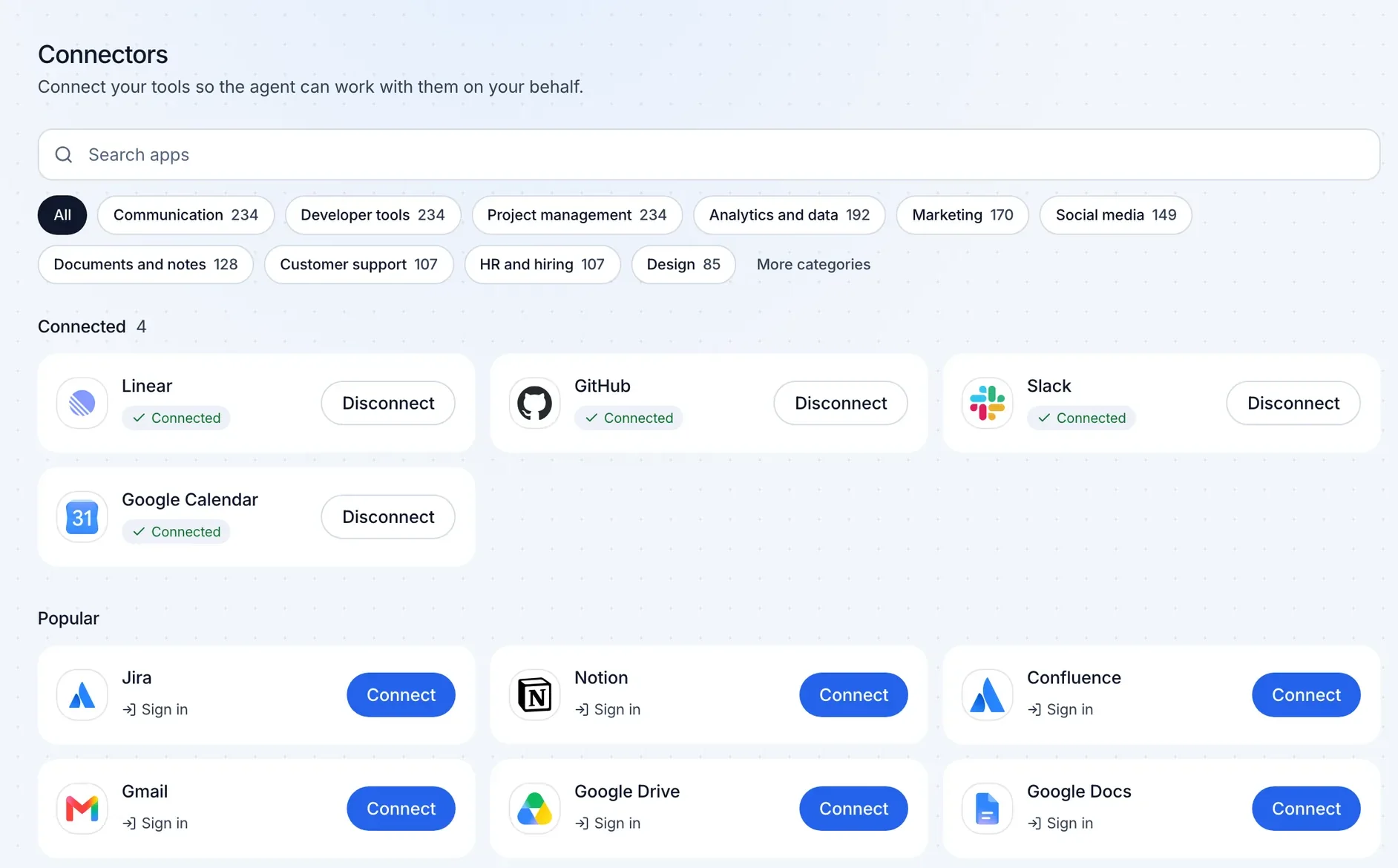
Connect the apps you already use. Lemon Code reads from them, takes the steps, and reports back, once or on a schedule.






















GitHub, Slack, Notion, Gmail, Jira, Linear and more than 1,500 other apps, plus your own MCP servers.
Reads the diff, runs the checks, and leaves comments on what to fix.
Code review
Picks up issues marked ready, makes the change, tests it, and opens a pull request.
Engineering
Sums up yesterday in Slack: what shipped, what is blocked, and who owns it.
Team updates
Labels new issues, flags duplicates, and asks the reporter for what is missing.
Planning
Reads today's calendar and the related email threads, then sends you a short brief.
Meetings
Collects the Slack thread and issue updates, then drafts a timeline and follow-ups in Notion.
IncidentsFind an app on the Connectors screen and sign in, or add your key. Lemon Code can then use it in any chat or automation. Disconnect at any time.
Yes. Lemon Code is free on your Mac and in your browser. No API key needed.
Lemon Code runs in your browser with a cloud workspace, or in the Mac app on your own computer.
Yes. Pick Claude Code, Codex or Gemini CLI, and use your own subscription or API key.
Start with one feature, refactor or migration step in an existing repository.